
Mobile work orders and photo documentation in the field
Mobile work orders and photo documentation improve field maintenance when they standardize what technicians capture, where evidence is stored, and how supervisors close the loop. The value is not the phone camera itself; it is the clearer record of condition, action, location, and responsibility.
Field Documentation Snapshot
TL;DR: A strong mobile work order process captures the asset, location, defect, safety condition, labor notes, parts used, before-and-after photos, and closeout status in one place. It should make field work easier, not add clerical burden.
Why mobile records matter
Maintenance teams lose time when records are scattered across text messages, paper notes, email chains, and memory. Mobile work orders help by letting technicians receive tasks, update status, attach photos, scan asset tags, and close work from the field. That can improve handoffs, warranty support, compliance documentation, and planning.
The U.S. Department of Energy's CMMS guidance describes a computerized maintenance management system as software that supports management and tracking of O&M activities. A mobile workflow is one practical extension of that idea. It brings the work order to the point of work instead of forcing the technician to recreate the day later.
This is especially useful when teams are trying to understand what causes concrete cracking and how to minimize it or similar defect patterns. Photos tied to date, location, asset, and notes can help qualified people separate cosmetic symptoms from issues that need technical review.
What a useful field record includes
| Record element | Why it matters | Example standard |
|---|---|---|
| Asset ID | Prevents work from being logged to the wrong equipment | Scan tag or select from verified list |
| Location | Helps supervisors find the issue later | Building, floor, room, zone, grid, or GPS where appropriate |
| Before photo | Captures condition before work begins | Wide shot plus close detail |
| Work performed | Explains what changed | Plain-language technician note |
| Parts and materials | Supports inventory and future planning | Part number or approved description |
| After photo | Shows completed condition | Same angle when possible |
| Follow-up flag | Keeps unresolved issues visible | Safety, warranty, capital repair, or revisit needed |
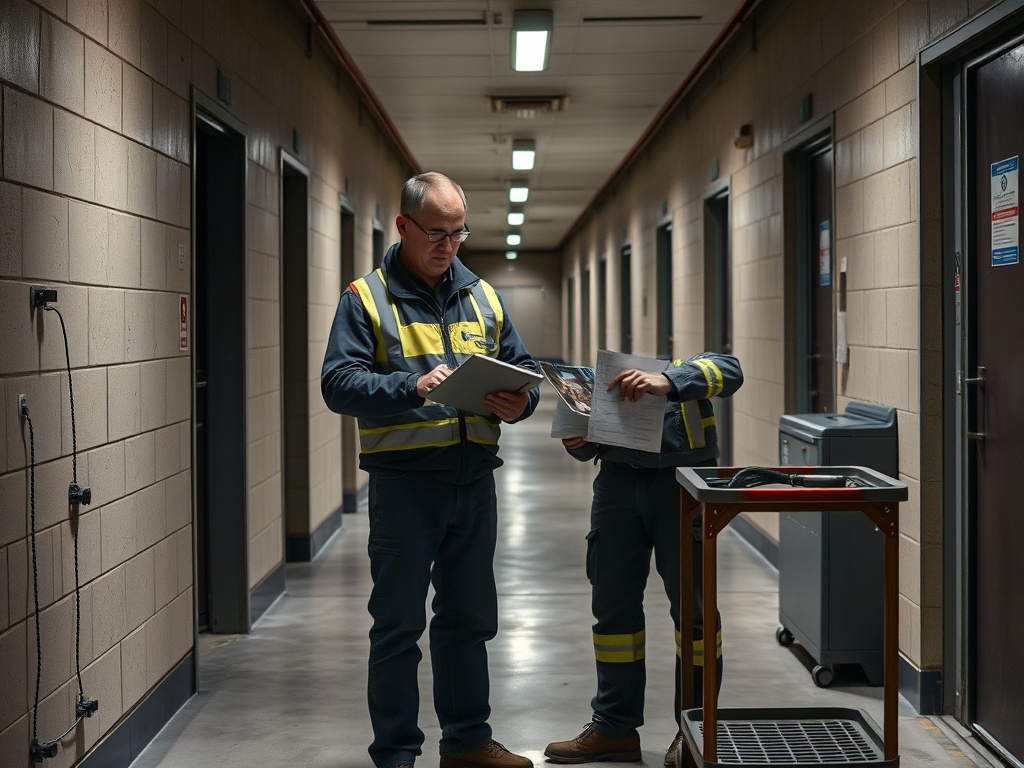
Field documentation should be simple enough to follow under time pressure. If the form asks for too many optional fields, technicians may rush or leave blanks. If it asks for too little, the record will not support decisions later.
Photo standards that prevent confusion
Photos are most useful when they answer a clear question. A blurry close-up of a stain, crack, valve, or damaged finish may not show where the item is located. A wide photo may show location but miss the defect. Good documentation usually needs both.
A practical photo standard is:
- Take a wide location photo.
- Take a mid-range photo showing the asset or assembly.
- Take a close photo of the condition.
- Photograph the completed repair from a similar angle.
- Avoid including occupants, private documents, security screens, or confidential information.
Teams should also define when photos are not appropriate, such as sensitive spaces, security areas, personal information, or situations where taking a photo could create safety risk. Privacy rules should be written before rollout, not after a questionable image appears in a work order. Many facilities also need retention rules so photos support maintenance history without becoming an unmanaged archive.
How mobile work orders improve warranty and capital planning
Mobile documentation can support warranty claims because it captures when symptoms appeared, what mitigation occurred, and whether the issue repeated. It can also reveal capital needs. A single leaking valve is a work order. A pattern of similar valves failing across a building may be an asset strategy issue. Standardized photos also help outside vendors understand access, severity, and likely parts before arriving, which can reduce wasted trips when the problem has been described poorly.
The Whole Building Design Guide's COBie discussion highlights the challenge of moving closeout asset information into CMMS tools after construction. Mobile field documentation becomes stronger when it starts from accurate closeout data rather than a blank asset list.
For contractors, mobile records can also support construction takeoffs: common mistakes that distort estimates by preserving measured field conditions and reducing guesswork when repair scope is priced later.
Mistakes that make mobile systems fail
The first mistake is assuming software will fix unclear process. If supervisors disagree about priority codes, closeout standards, or what counts as complete, the mobile system will simply digitize inconsistency.
The second mistake is poor asset naming. A technician should not have to choose between five similar units with unclear labels. Asset hierarchy should match how the building is operated.
The third mistake is using photos as a substitute for notes. A photo can show condition, but it rarely explains cause, decision, or corrective action.
The fourth mistake is ignoring field usability. Offline access, glove-friendly forms, simple dropdowns, and fast photo upload can determine whether crews actually use the system.
A field documentation rule set
Use these rules to keep mobile work orders consistent:
- One asset per work order when practical.
- One location format across the portfolio.
- Required before photo for visible defects.
- Required after photo for completed visible repairs.
- Clear priority definitions for urgent, routine, planned, and deferred work.
- Follow-up categories for warranty, safety, capital, and repeat issue.
- Supervisor review for incomplete or unclear closeouts.
The rules should be short enough to train and enforce. A field standard that lives in a long manual but not in daily behavior will not change documentation quality. Supervisors can improve adoption by reviewing a few completed work orders during weekly planning meetings. Show one strong example, one unclear example, and one pattern that needs follow-up. This turns documentation from paperwork into a visible operating habit.
A Field Documentation Standard Crews Will Follow
The best mobile work order system reduces rework in the record itself. It lets technicians capture the condition once, route the information correctly, and leave a trail that helps supervisors, owners, contractors, and future crews understand what happened.
Teams that want to use documentation for smarter maintenance should connect this process to a myth-busting guide to predictive maintenance hype. Predictive work depends on trustworthy records, and mobile documentation is one of the simplest places to improve them.
Informational note: This content is educational only and does not replace professional maintenance, safety, privacy, cybersecurity, legal, compliance, or project management advice. Facility rules and data-handling requirements should be reviewed before deployment.