7 Mistakes New Videographers Make With Audio, Framing, and Backup
New videographers usually focus on the camera first, then discover later that weak audio, messy framing, and poor backup habits can ruin otherwise useful footage. The best beginner upgrade is a repeatable capture routine that protects sound, composition, and files before the shoot gets complicated.
Shoot-day takeaway: Plan the shot, monitor the sound, stabilize the frame, and back up media before you relax. A beautiful image is not enough if the dialogue is unusable or the only copy disappears.
Mistake 1: Treating audio as a camera setting
Bad audio can make viewers stop watching faster than imperfect video. Built-in camera microphones are useful for scratch sound, not always for final dialogue. If speech matters, use an external microphone suited to the situation: lavalier for interviews, shotgun for focused pickup, handheld for controlled reporting, or a recorder for separate audio. Wear headphones while recording. Watch levels. Listen for hum, wind, clothing rustle, echo, and background music that could create rights problems. Adobe’s beginner guide to video production outlines production as a full process, and audio belongs in that process from the start.
Mistake 2: Framing only for the subject’s face
A face in the center of the frame is not automatically a good composition. Look at headroom, background distractions, eyeline, leading lines, light sources, and what the edges of the frame include. If a lamp pole appears to grow out of someone’s head, move. If a bright window pulls attention away, reframe or change exposure. For interviews, leave space toward the direction the subject faces. For action, leave room for movement. Framing is not decoration; it tells viewers where to look.
Mistake 3: Forgetting the edit while shooting
Beginners often record only the main action, then struggle to cut scenes together. Capture establishing shots, close-ups, cutaways, room tone, reaction shots, hands, objects, and transitions. Hold each shot longer than feels necessary. A five-second clip may become too short once you add a transition or voiceover. Think like an editor while filming. What will help the story breathe? What can cover a jump cut? What detail shows process better than another talking head?
Mistake 4: Moving the camera without a reason
Camera movement can add energy, but wandering movement feels amateur. If you pan, tilt, push, pull, or track, know why. Are you revealing information, following action, building tension, or connecting two subjects? If not, use a locked shot. Stabilization does not fix every shaky choice. A tripod, monopod, shoulder rig, gimbal, or even a careful handheld stance should serve the scene. Viewers notice confidence more than gear.
Mistake 5: Skipping white balance and exposure checks
Auto settings can save a beginner, but they can also shift mid-shot. Skin tone may change when someone moves. A white wall may fool exposure. Mixed lighting can make color correction painful. Before recording, check exposure with your camera tools, set white balance when possible, and review a short test clip. If you are filming an event, repeat checks when moving between rooms or lighting conditions. Good habits here also support other visual creative work, including the planning discipline in illustrator client quoting mistakes.
Mistake 6: Recording without a file naming and card plan
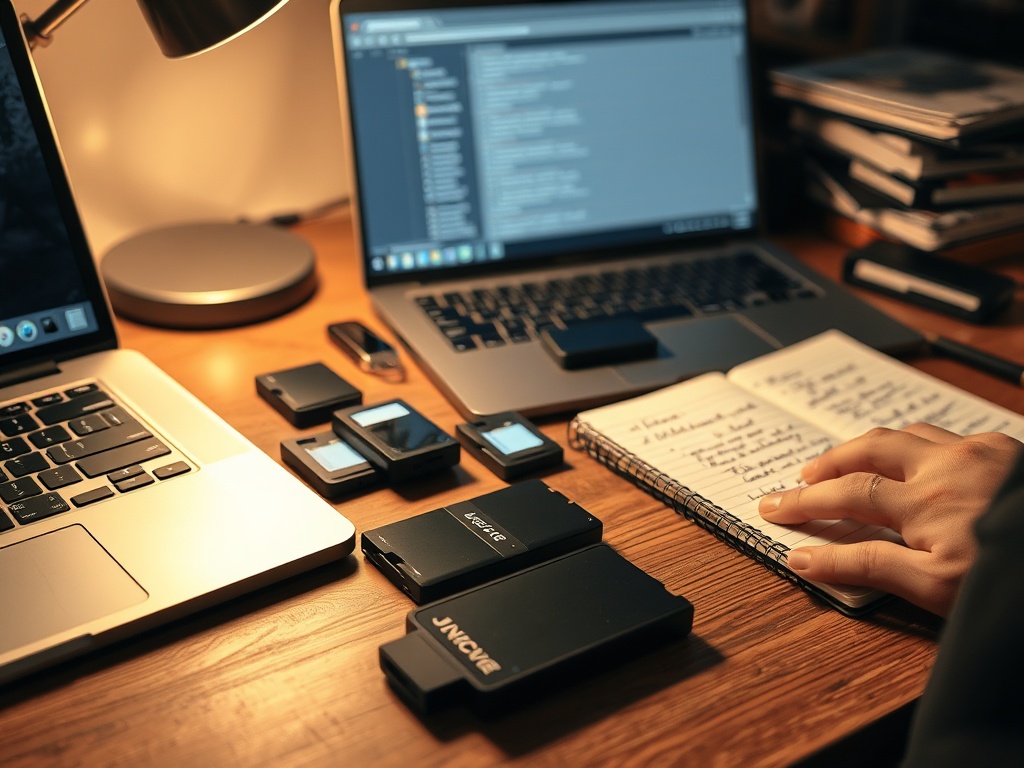
“Card 1” and “New Folder” are not a system. Use fresh cards, label them, and avoid mixing client projects on the same media. After each shoot block, mark used cards as full and keep them separate from blank ones. If possible, use dual-card recording in camera. On import, create folders by date, project, camera, and audio. Syncing becomes easier when the structure is clear. Chaos costs time, and on paid work, time becomes money.
Mistake 7: Having only one copy of footage
A shoot is not safe until there are at least two separate copies, ideally with one off-site or cloud copy when practical. Do not format cards until backups are verified. Open files, check sizes, and confirm audio exists. For important jobs, keep original cards untouched until delivery. A simple 3-2-1 backup mindset helps: three copies, two types of storage, one away from the main location. Beginners sometimes learn this lesson after a disaster. Learn it before.
A Beginner Capture Routine That Prevents Regret
Before the shoot, make a shot list, charge batteries, format cards, pack audio, and test everything. On location, listen through headphones, check framing edges, set exposure and white balance, record room tone, and slate or clap for sync when helpful. After the shoot, back up immediately, verify files, and write a short log of what was captured. This routine is simple enough for small projects and strong enough to grow with larger ones.
Protect the Shoot Before You Press Record
Better videography does not start with buying the most expensive camera. It starts with respecting the parts of production that cannot be fixed later. For your next shoot, make audio, framing, and backup the first three items on your checklist, not the last three things you hope worked out.
How to Review Footage While the Shoot Is Still Fixable
Build short review breaks into the schedule. Play back a clip with headphones, check focus on a larger screen if available, and confirm that the framing still works when the subject moves. Review the first take before recording ten more with the same problem. For interviews, capture a test answer and listen for room echo or clothing noise. For event coverage, check a clip after moving to a new lighting setup. Small reviews feel slow at first, but they prevent the worst beginner outcome: discovering the mistake only after everyone has gone home.
For solo shooters, simplify the routine rather than trusting memory. Put colored tape on full cards, keep blank cards in a separate pocket, and say a short audio check out loud at the start of each setup. The goal is not perfection. The goal is making common mistakes harder to miss.
A written checklist turns those habits into muscle memory across different locations.